The Firefox Extension Is Now Available
StackLinker browser extension is now available for Firefox too. The website also recommends the correct store based on the browser you use.
Published on March 16, 2026 · 2 min read
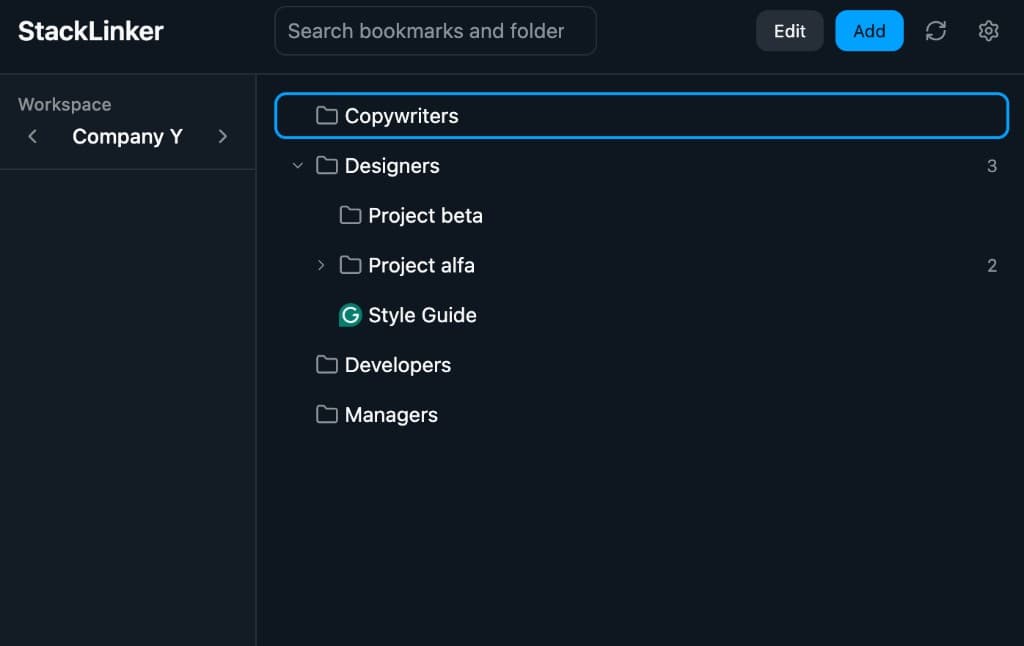
Until now, the StackLinker browser extension was available for Chrome. Starting today, it is also available for Firefox, so you can keep your bookmarks, folders, and quick actions directly in the browser even in teams that use Firefox as their main working environment.
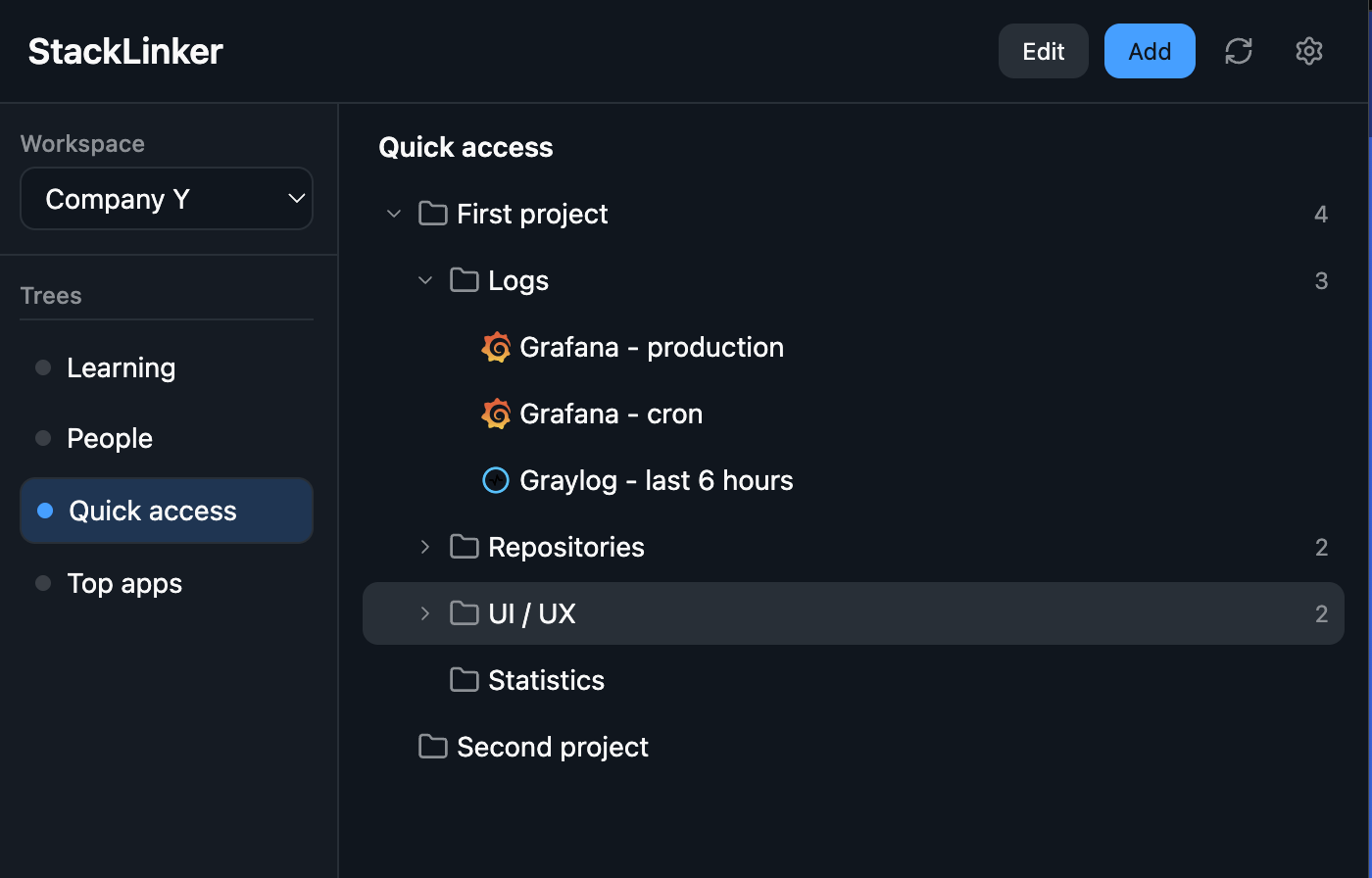
What is new
The new Firefox version is published on Firefox Add-ons and brings the same core value as the existing Chrome version: fast access to team and personal bookmarks without switching back to the web admin.
You can find the Firefox extension here:
- Firefox Add-ons: StackLinker for Firefox
The Chrome version remains available as well.
What you can do in the extension
The browser extension is built for everyday bookmark workflows. Typical use cases include:
- opening a saved link quickly without searching in the admin,
- saving a new bookmark from the currently open page,
- switching workspaces and working with another bookmark tree,
- editing items directly in the extension with fewer unnecessary steps.
In practice, that means less context switching and faster access to the links you use throughout the day.
Smarter recommendation inside the admin
At the same time, we updated the extension recommendation inside StackLinker administration. If you are signed in from Firefox, the dashboard now offers the Firefox version. If you are in Chrome or a compatible browser, it still offers the Chrome version.
Persistent dismissal of this recommendation also works separately per browser. In other words, if you dismiss the popup in Firefox, it does not affect how it behaves in another browser.
Why Firefox support matters
Firefox support is especially useful when:
- a company or team standardizes on Firefox,
- users prefer Firefox because of privacy or internal policies,
- you want the same workflow across multiple browsers without changing habits.
Our goal is for StackLinker to feel natural where people actually work, not only inside the web admin.
Try it out
If you already use StackLinker, just open the add-on page, install the extension, and sign in. If you access your workspace from Firefox, you will now also see the install recommendation directly on the dashboard.
We would love to hear your feedback about the Firefox version and ideas for further browser extension improvements.